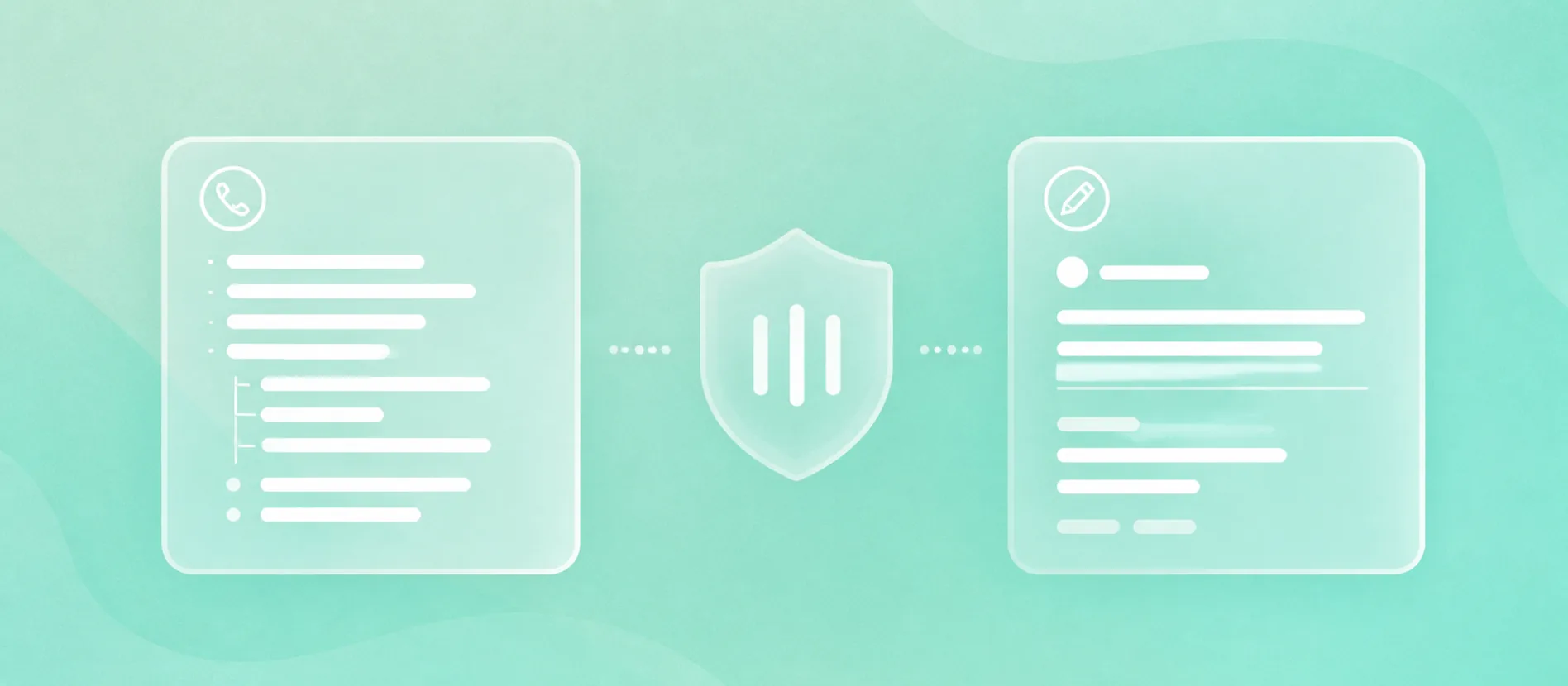
Sales calls become useful employee-generated content when the team captures patterns, not private details. Log the buyer question, objection, phrase, proof request, or explanation that came up on the call, then remove customer names, deal details, pricing, contract terms, security concerns, roadmap context, and personal data before anyone drafts a post. Recording and transcription tools can help, but consent, retention, access, and customer-confidentiality rules come first. This is operational guidance, not legal advice.
The useful output is a safe abstraction: "A buyer asked why implementation takes longer after contract signature," not "Acme pushed back on our onboarding delay during a renewal call." That abstracted idea can become an employee post because it teaches from the pattern without exposing the customer.
Most teams already have the raw material. It sits in discovery calls, demo objections, renewal conversations, Gong clips, HubSpot call records, Microsoft call summaries, rep notes, and Slack handoffs. The missing step is a workflow that turns call evidence into a clean idea queue.
For the broader capture-to-post system, read how to turn employee expertise into LinkedIn posts. This article stays narrower: sales-call inputs, permission boundaries, privacy-safe abstraction, and routing ideas into posts.
Treat Sales Calls As Inputs, Not Copy
Sales calls should feed employee posts, but they shouldn't become public copy. A call is full of context the outside world doesn't need: names, buying stage, internal politics, budget pressure, contract language, integrations, security concerns, and private objections.
The content idea lives one level higher. You're looking for the recurring buyer question, the objection pattern, the phrase customers keep using, or the explanation a rep gave that made the conversation clearer.
That distinction keeps the work useful. The employee's job is to explain the lesson a buyer would care about, not to quote the buyer's private words.
Capture Five Reusable Inputs
After a sales call, ask the rep or call owner for one reusable input. Do this while the call is still fresh, because the useful phrase often disappears once the CRM note gets cleaned up.
- A buyer question that keeps coming back across calls.
- An objection that signals confusion, risk, or missing context.
- A phrase the buyer used that reveals how they describe the problem.
- A proof request, such as a case study, security answer, integration detail, or implementation example.
- An explanation moment where the employee made a hard concept easier to understand.
Each input can become a different kind of employee post. A buyer question can become an answer post from an AE. An objection can become a field note from a sales leader. A proof request can become a product marketer's plain-English explainer. A repeated implementation concern can become a customer success post.
Put Consent And Retention Before Ideation
If the team uses recordings or transcripts, consent is part of the workflow before the content team looks for ideas. Gong's documentation says recording consent requirements vary by location, customer location, and industry, and its product supports consent pages, audio prompts, and pre-call emails. Zoom's support docs say participants are asked to provide consent when joining a meeting that is already being recorded or when the host starts recording.
That doesn't make a recorded call safe to mine for public content. It means the team needs a clear rule for who may review recordings, what systems retain them, when they are deleted, and which calls are excluded from content review.
The FTC's business guidance tells companies to keep sensitive data only as long as there is a business reason and to limit access to employees with a legitimate need. Gong's data protection settings cover how calls, emails, transcripts, and related metadata are captured, stored, shared, retained, redacted, and deleted.
For content work, turn that into a simple gate: if the person sourcing ideas shouldn't have access to the call record, transcript, or CRM note for business reasons, they shouldn't use it as content input.
Abstract The Call Before Drafting
The safest content idea is a sanitized pattern. Preserve the learning; strip the identifiers.
Remove details that identify the customer, reveal the deal, expose private data, or make the buyer recognizable to people in the market. That usually includes company names, person names, exact dates, pricing, contract terms, pipeline stage, unannounced roadmap context, security review details, integration problems, legal concerns, and personal information.
Keep the part that teaches. The useful post might explain why buyers misunderstand a workflow, how reps answer a repeated implementation concern, what proof a technical evaluator keeps asking for, or what a founder should clarify before a sales call turns into a pricing debate.
If the post needs a named customer, a quote, a metric, or a specific story, pause. Route it through the company-approved proof process. No employee post is worth a confidentiality problem.
Route The Idea To The Employee With Standing
The best person to publish the post is the person who can defend the point if a buyer comments, replies, or asks a follow-up question. That might be the AE who hears the objection, the SDR who sees reply patterns, the solutions engineer who answers integration concerns, the customer success lead who sees onboarding risk, or the founder who explains the strategic tradeoff.
Don't assign every sales-call idea to the founder. That flattens the program and wastes the employee context that made the idea useful in the first place.
A simple routing rule works: match the idea to the role closest to the lesson. The rep can explain a discovery question. The implementation lead can explain the handoff risk. The product marketer can turn repeated proof requests into a clearer post. The sales leader can explain the pattern across multiple calls.
Use CRM Notes Without Publishing CRM Details
CRM and conversation tools can help the team find patterns. HubSpot's documentation describes reviewing recordings and transcripts, searching recordings, using tracked terms, and associating calls with CRM records. Microsoft Dynamics 365 documentation describes call summaries with notes, action items, relevant keywords, a timeline, and a transcript.
Those fields are useful for spotting themes across calls. They become risky when copied straight into public content.
Use CRM notes as a sorting layer, not a publishing source. Tag repeated objections. Track proof requests. Pull customer language into an internal idea queue. Then rewrite the idea so it no longer depends on any private customer context.
LinkedIn's own content guidance points teams toward customer questions, clear definitions, consistent terminology, and evidence-backed points of view. Sales-call notes are one place to find those inputs, as long as the team abstracts them before drafting.
A Seven-Step Call-To-Post Workflow
Use this after sales calls, weekly pipeline reviews, or a content meeting with sales.
1. Capture one call input.
Question, objection, buyer phrase, proof request, or explanation moment.

2. Label the risk.
Customer name, deal detail, pricing, contract term, private product issue, security concern, roadmap detail, or personal data.

3. Remove identifiers.
Rewrite the input as a pattern a buyer could recognize without knowing the customer.

4. Match the employee voice.
AE, SDR, founder, solutions engineer, product marketer, customer success lead, or sales leader.

5. Pick the post job.
Answer a question, explain an objection, clarify a misconception, share a field note, or turn a proof request into a plain-English explanation.

6. Review before posting.
Check accuracy, customer approval, confidentiality, claims, and company policy.

7. Feed the next call.
Send the post back to sales so reps can reuse the explanation and capture the next question.
The workflow is small on purpose: a rep who spends ten minutes logging a pattern after a thirty-minute call will keep doing it; one who has to fill out a five-field form will not.
The Habit Is Reviewing For Patterns, Not Details
Sales calls surface the exact language buyers use when they are deciding whether to spend money, delay a decision, or escalate a concern internally. That specificity is what makes a call log more useful than a brainstorm session or a keyword list.
The discipline is knowing what to leave out. Keep the question, the objection, the language, and the employee's judgment. Leave the customer's private situation where it belongs.
FAQ
Can you use sales calls for employee content if you don't record calls?
Yes. A rep can log the buyer question, objection, or proof request after the call without creating a recording or transcript. The same privacy rule applies: capture the pattern, not the private customer detail.
Who should approve a post idea that came from a sales call?
At minimum, the person posting should review it for accuracy, and the sales or marketing owner should review it for confidentiality and claims. Customer-named stories, quotes, metrics, legal-sensitive points, or security details need the company's formal approval path.
What sales-call details should never go into the post?
Remove customer names, person names, exact dates, deal stage, pricing, contract terms, private implementation issues, unannounced roadmap details, security review details, and personal data unless there is explicit approval to publish them.
Can AI call summaries write the employee post?
Use summaries to find themes faster, not to publish straight from the call record. A human still needs to abstract the idea, check the risk, choose the right employee voice, and make sure the post teaches without exposing private context.
When can you name the customer?
Name the customer only when the company has permission and the proof point has cleared the right approval path. Without that approval, turn the moment into an anonymized pattern or skip the example.
Sources
- Gong Help Center, Understanding recording consent.
- Zoom Support, Providing consent to be recorded.
- HubSpot Knowledge Base, Review call recordings and transcripts.
- Microsoft Learn, View and understand call summary page in Conversation Intelligence app.
- Federal Trade Commission, Protecting Personal Information: A Guide for Business.
- Gong Help Center, Data protection and privacy settings in Gong.
- LinkedIn Marketing Solutions, How to Grow Your AI Search Visibility With LinkedIn Content.
Ready to turn your team's call insight into consistent LinkedIn content?
Sell In Public pulls expertise from your sales conversations, shapes it into LinkedIn posts and buyer signals, and runs outbound to the right ICP so the content connects to real pipeline. Book a working session to find out whether LinkedIn can become a top revenue channel for your company.