LinkedIn employee advocacy usually breaks when the ask is too thin: "Please like and share this company post."
That might create a small burst of activity, but it rarely creates useful buyer attention. A B2B revenue team needs a tighter system. The team has to decide which moments deserve coordinated participation, who has standing to participate, what context employees need, and how sales will read the signals afterward.
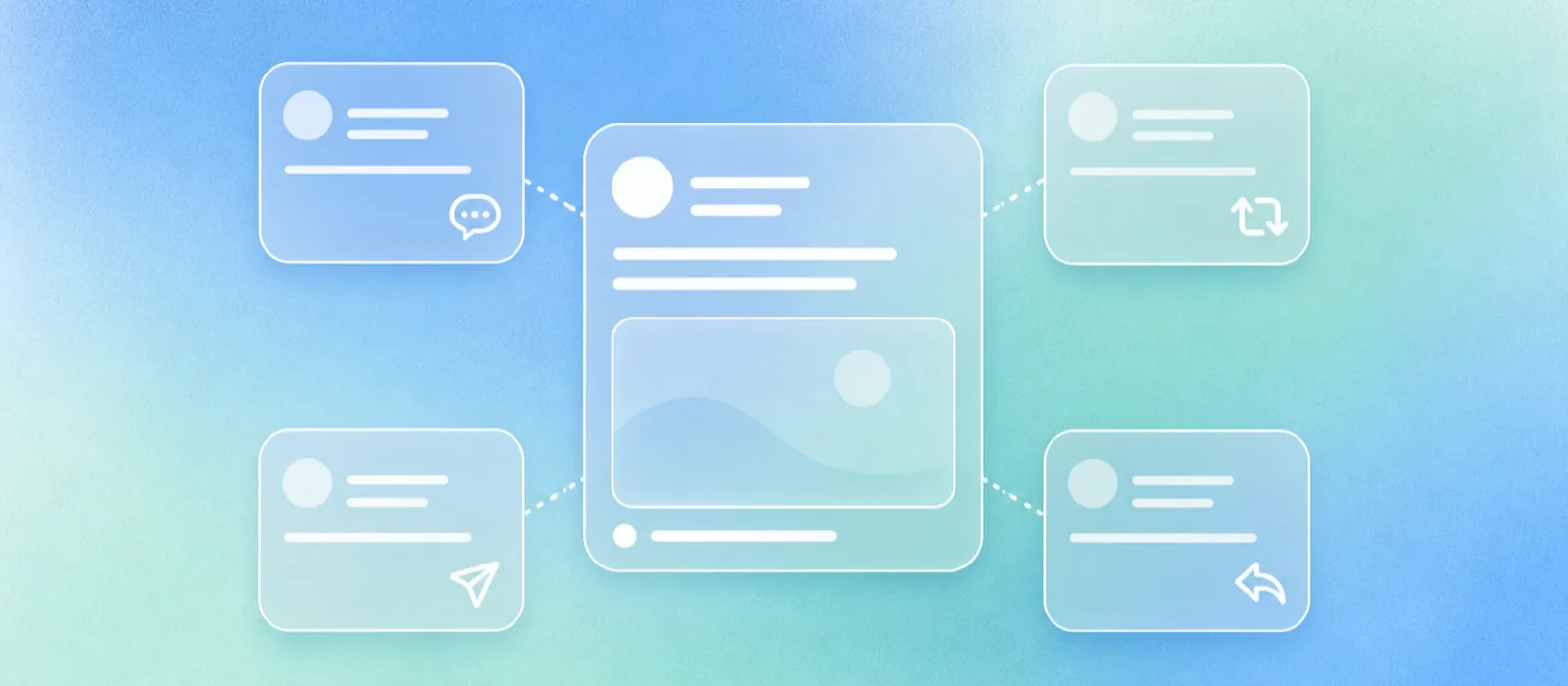
LinkedIn employee advocacy is coordinated employee participation around a company, team, or market message on LinkedIn. Employees might comment on a company post, reshare it with their own context, answer buyer questions, send it privately to a relevant contact, or add their point of view to a campaign, launch, event, report, or category argument. LinkedIn defines employee advocacy as employees promoting the company they work for and frames a real program as strategic, sustainable, and voluntary.
A B2B revenue team should run LinkedIn employee advocacy as a weekly operating loop. Pick a buyer-relevant moment, match the moment with employees who have credibility on the topic, give them context instead of scripts, let them personalize the action, and measure whether the right accounts engaged, visited profiles, saved posts, asked questions, or gave reps a useful follow-up reason.
Employee advocacy coordinates distribution and participation around a message. Employee-generated content turns employee expertise into original public content. The two can support each other, but they shouldn't be managed as the same motion.
What Employee Advocacy Means On LinkedIn Now
Employee advocacy on LinkedIn means employees use their own professional presence to help a company message travel farther and feel more credible. The message can start with a company Page post, a report, an event, a customer story, a hiring push, a founder post, or an employee post that the company wants more people to see.
The operating word is "help." Advocacy should make it easier for employees to participate in public conversations they understand. It shouldn't turn every employee profile into another company Page.
LinkedIn Help says the My Company tab, Employee Advocacy tab, and curator admin role began being discontinued in November 2024. The same Help page says Page admins can still reshare employee posts and notify employees about important Page posts.
A practical program can't depend on one retired LinkedIn advocacy surface. It has to work through normal LinkedIn behavior: Page posts, employee posts, comments, reshares, DMs, profile visits, and sales follow-up.
Why Revenue Teams Need A Tighter Model
Revenue teams should care about employee advocacy because buying groups are bigger than the people sales can see. The 2025 Edelman-LinkedIn research says 56% of target buyers and 55% of hidden buyers use thought leadership as part of vendor evaluation.
That finding doesn't prove that employee advocacy creates pipeline by itself. It supports a narrower point: credible public expertise can reach people who may not be in the CRM, may not take sales calls, and may still influence the purchase.
This is where most advocacy programs go flat. The company posts an announcement, asks everyone to reshare it, then judges success by likes. A revenue-led program starts with a buyer moment instead:
- A new report answers an objection sales hears every week.
- A product launch changes how buyers should evaluate the category.
- A customer story gives AEs a credible follow-up reason.
- A founder post needs practitioner comments so it doesn't read like a speech.
- A trade show creates a reason for reps and leaders to join the same conversation.
Advocacy earns its place when employees can add context that a company Page can't provide.
Advocacy And Employee-Generated Content Do Different Jobs
Employee advocacy and employee-generated content often overlap on LinkedIn, but the starting point is different. Advocacy starts with a message the company wants people to help move. Employee-generated content starts with what an employee knows from doing the work.
| Question | LinkedIn employee advocacy | Employee-generated content |
|---|---|---|
| Starting point | A company, campaign, team, or market message that needs participation. | Employee expertise, field notes, operating lessons, or a point of view. |
| Employee role | Add context, comment, reshare, send privately, or help the right people notice. | Create or shape original public content from firsthand knowledge. |
| Workflow | Coordination, context, timing, participation options, and signal review. | Interview, capture, draft, review, publish, and repurpose. |
| Best fit | Launches, reports, events, announcements, category moments, and existing posts that deserve reach. | Buyer education, practical expertise, category POV, examples, and original field insight. |
| Measurement | Right-account engagement, comments, profile activity, reposts, saves, sends, link visits, and sales follow-up quality. | Content quality, buyer questions, inbound, sales reuse, sourceable expertise, and downstream demand. |
For the broader definition, read the employee-generated content hub. For the direct comparison, read employee-generated content vs employee advocacy.
Build The Program Around Buyer Moments
Start with the moments where employee participation would make the message more useful to a buyer. A revenue team doesn't need every employee active every week. It needs the right people participating when the topic touches their credibility.
LinkedIn's current AI-search guidance tells teams to pull questions from sales conversations, customer success notes, support tickets, reviews, and win/loss notes. It also recommends starting with employees who have hands-on experience.
That's the right foundation for advocacy too. Before asking anyone to engage, answer five questions:
- What buyer question, objection, or decision does this post speak to?
- Which employees can add credible context?
- What action is actually useful: comment, reshare, send privately, answer comments, or do nothing?
- What can employees personalize without creating legal, customer, or product risk?
- What should sales do if the right person engages?
A good advocacy calendar looks less like a social media calendar and more like a revenue participation map.
Give Employees Context, Not Scripts
The fastest way to make employee advocacy sound generic is to hand everyone the same copy. It may be easier to manage, but it removes the reason employee participation mattered in the first place.
Give employees a short brief instead:
- The post or topic.
- The buyer problem it addresses.
- The audience that should care.
- Three optional angles they can choose from.
- A few facts or claims they should not change.
- Clear boundaries on customer names, roadmap, pricing, legal claims, and competitive statements.
Then let the employee write the sentence that only they could write. An AE might connect a report to a buying objection. A customer success lead might name the onboarding pattern behind the advice. A sales engineer might clarify the tradeoff a technical buyer will care about. A founder might add the market belief behind the launch.
The brief protects accuracy. The employee protects voice.
Use Participation Modes Instead Of One Reshare Ask
Not every employee should reshare the same post. Some can add a useful comment. Some should send the post to a prospect or customer. Some should reply to people who engage. Some should sit out because the topic isn't theirs.
LinkedIn Help says Page admins can notify employees when the organization posts an important Page post, and employees can react, comment, or reshare after clicking the preview. It also says admins can notify employees once per day, while LinkedIn Pages Best Practices recommends notifying employees of the most important Page posts up to one time per week.
For a revenue team, weekly is usually the healthier operating rule. If every post is flagged as important, employees learn that none of them are.
Four participation modes worth building into the program:
- Comment with expertise when the employee can add a useful example, caveat, or buyer-side explanation.
- Reshare with context when the employee has a real reason to put the post in front of their network.
- Send privately when the post answers a question already active in a deal, customer thread, or partner conversation.
- Feed the next post when comments or DMs reveal a buyer question worth answering in public.
The program gets stronger when employees understand that "participate" doesn't always mean "repost."
Measure Signals Sales Can Use
LinkedIn analytics are useful, but advocacy measurement needs sales context beside the platform numbers.
For individual posts, LinkedIn lists metrics such as impressions, members reached, profile viewers from the post, followers gained, reactions, comments, reposts, saves, sends, link visits, and viewer demographics. LinkedIn also notes that post analytics are estimates and may not be precise.
Track those metrics, then add a revenue readout:
- Did target accounts engage, save, send, comment, or visit profiles?
- Did any buyer question show up in comments, DMs, or rep follow-up?
- Did a rep use the post in an active deal?
- Did the post create a credible reason to restart a stalled conversation?
- Did the topic deserve a deeper owned article, sales asset, or follow-up post?
The goal isn't to prove that one advocacy post created one opportunity. The goal is to learn which messages, voices, and participation modes create sales conversations worth pursuing.
The broader operating system sits inside LinkedIn content infrastructure for B2B sales teams.
Weekly Operating Loop
Use this loop when a company post, report, launch, event, or employee post deserves coordinated participation.
1. Choose one buyer-relevant moment.
2. Define the buyer question or sales objection underneath it.
3. Pick 3 to 8 employees with real credibility on that topic.
4. Give them context, optional angles, and risk boundaries.
5. Let each person choose the right action: comment, reshare, DM, reply, or skip.
6. Watch the first 48 hours for target-account engagement and useful questions.
7. Send relevant signals to sales.
8. Turn repeated questions into original employee-generated content or an owned article.
Mistakes That Make Advocacy Generic
Most weak advocacy programs fail for predictable reasons.
- The company asks everyone to reshare every announcement.
- Employees get prewritten copy with no room for judgment.
- The program rewards activity instead of buyer relevance.
- Sales never sees the engagement data or comment patterns.
- Marketing treats employee profiles as extra distribution inventory.
- No one turns the best questions into original employee-generated content.
Fixing those mistakes requires a stricter definition of when advocacy is worth asking for and a better reason for employees to participate.
Protect Employee Voice As The Program Scales
LinkedIn employee advocacy works best when the company makes participation easy without making employees sound interchangeable. The system should help people show up around the right moments, with enough context to be useful and enough freedom to sound like themselves.
When a topic needs original expertise, don't force it into advocacy. Turn it into employee-generated content, then use advocacy to help the finished idea travel.
FAQ
What is LinkedIn employee advocacy?
LinkedIn employee advocacy is coordinated employee participation around a company, team, or market message on LinkedIn. Employees might comment, reshare with context, notify their network, send the post privately, or answer comments when the topic fits their expertise.
How do you launch an employee advocacy program?
Start with one weekly buyer-relevant moment instead of a company-wide posting mandate. Choose the employees who have credibility on the topic, give them context and optional angles, set risk boundaries, keep participation voluntary, and review the buyer signals after the post moves.
How is employee advocacy different from employee-generated content?
Employee advocacy coordinates distribution and participation around an existing message. Employee-generated content creates original public content from what the employee knows firsthand. Advocacy helps the right message travel; employee-generated content is where the message comes from.
How do you measure LinkedIn employee advocacy?
Use platform metrics such as impressions, reach, comments, reposts, saves, sends, profile viewers, followers gained, link visits, and demographics. Then add sales context: target-account engagement, buyer questions surfaced, rep follow-up quality, restarted conversations, and topics worth developing into deeper content.
Should every employee participate?
No. The strongest programs are selective. Employees should participate when the topic fits their role, experience, network, and comfort level. A small group of credible participants will usually outperform a large group resharing the same message without context.
Sources
- LinkedIn Marketing Blog, What is Employee Advocacy and How Do Marketers Succeed At It?.
- LinkedIn Help, My Company tab and Employee Advocacy tab is no longer available.
- LinkedIn Help, Use Employee Notifications on LinkedIn Pages.
- LinkedIn Business Solutions, LinkedIn Pages Best Practices.
- LinkedIn Help, Post analytics for your content.
- LinkedIn Marketing Blog, How B2B Marketers Can Use Thought Leadership to Persuade Hidden Buyers.
- LinkedIn Marketing Blog, How to Grow Your AI Search Visibility With LinkedIn Content.
Want this running for your team without adding another internal process?
Sell In Public takes your team's expertise and turns it into LinkedIn content, buyer signals, and inbound leads, then runs outbound to the right ICP. Book a working session and we'll see if LinkedIn can become a top revenue channel for your company.